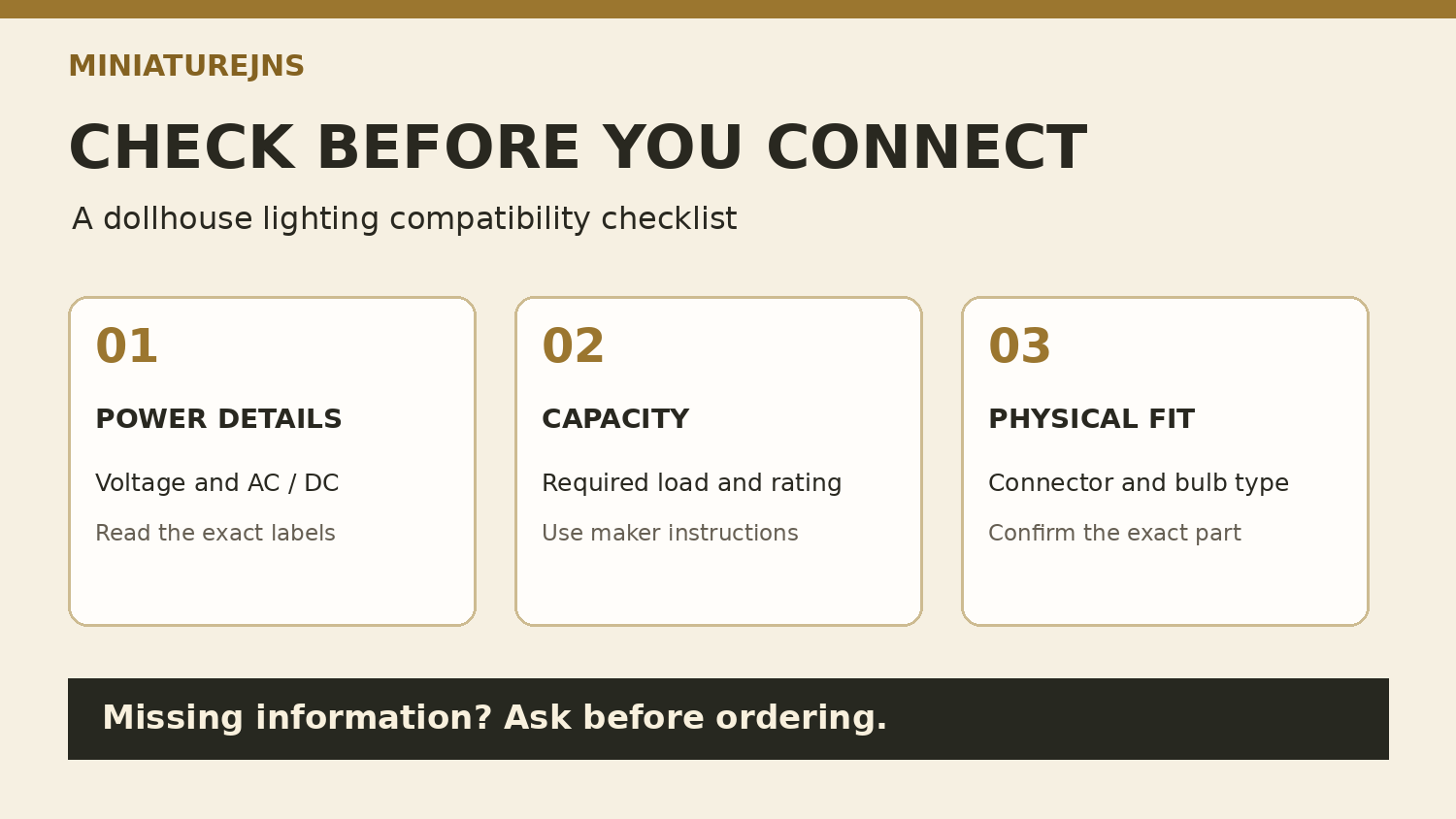
A lamp can look right for a miniature room and still need a different power source, connector or replacement bulb. Before ordering, collect the specifications for the exact parts you want to use. A short compatibility record is easier to check than a collection of similar-looking photographs.
Use this dollhouse lighting compatibility checklist alongside your room plan. Keep product names, model numbers and the maker’s instructions together so that each decision can be traced to the correct item.
Start with the exact component
Record the fixture’s brand and model or SKU, then identify how it is intended to be powered. Check whether the listing describes a wired fixture, a battery-operated light, a replacement bulb or a decorative non-working item. If the description does not say, ask before choosing electrical accessories for it.
The Lighting and Electrical collection is a starting point for browsing. Category membership alone does not establish that two components work together. For unclear abbreviations, use the miniature listing checklist and keep the unresolved question beside the exact SKU.
Check voltage and AC or DC separately
Copy the fixture’s required voltage and its stated AC/DC requirements into your notes. Then read the power supply’s output specification. Do not treat a shared voltage number as a complete compatibility check.
For example, Creative Reproductions 2 Scale describes its LED ribbon as requiring 12V DC, while its particular bi-pin LED replacement is described as accepting 12V AC or DC. Those are specifications for those products, not a rule for every LED or every JNS listing. Check the current instructions for the exact version you are considering.
Record the load and supply capacity
List all the fixtures or LED sections you intend to power. For each one, record the maker’s stated electrical load and the units used. Keep the power supply’s capacity and any limits in its instructions beside that list.
If a value is missing, ask the supplier to confirm the combination before ordering. Do not substitute a room count, fixture count or another model’s rating for the missing specification. A proposed future addition should be included in the question rather than assumed to fit within the existing supply’s capacity.
Confirm connectors and replacement bulbs
Check the stated connector, socket or adapter type and any required lead or installation accessory. A similar appearance is not an exact part identification. Where the listing provides dimensions, confirm which part they describe and how that part fits the intended position.
For a replacement bulb, record the fixture model and the maker’s specified replacement part. Check its voltage, AC/DC requirements, fitting and any stated polarity or controller requirements. Do not choose a replacement only because it is called a miniature bulb or resembles the old one.
Read battery-conversion limits carefully
An adapter’s description may apply to a particular kind of battery light. For example, the CR2S 3V-to-12V conversion kit states a single-LED limit for the button-battery light it converts. That example is a reason to check the adapter’s scope, not permission to connect any battery light to a different supply.
Record the battery-light model, its stated requirements and the exact proposed adapter. If the maker does not confirm that combination, keep it unresolved and ask for guidance. Use the maker’s installation instructions for assembly and electrical work.
Keep a small compatibility record
| Record | What to confirm |
|---|---|
| Fixture identity | Brand, model/SKU and working or decorative function |
| Power requirements | Required voltage and AC/DC specification |
| Supply and load | Documented capacity, component loads and maker’s limits |
| Connections | Exact connector, socket, lead and required adapter |
| Replacement parts | Approved bulb or LED part and any polarity/controller requirements |
| Open questions | Missing information, who confirmed it and the instruction/version date |
Keep this record with your miniature collection inventory. If you contact JNS about a component, include its exact name or SKU and the specifications of the parts you want to use with it. Clear questions help distinguish a confirmed combination from an assumption before an order is placed.
Manufacturer examples reviewed November 6, 2026. They illustrate specification differences; no JNS stock, price or universal compatibility claim is made.
